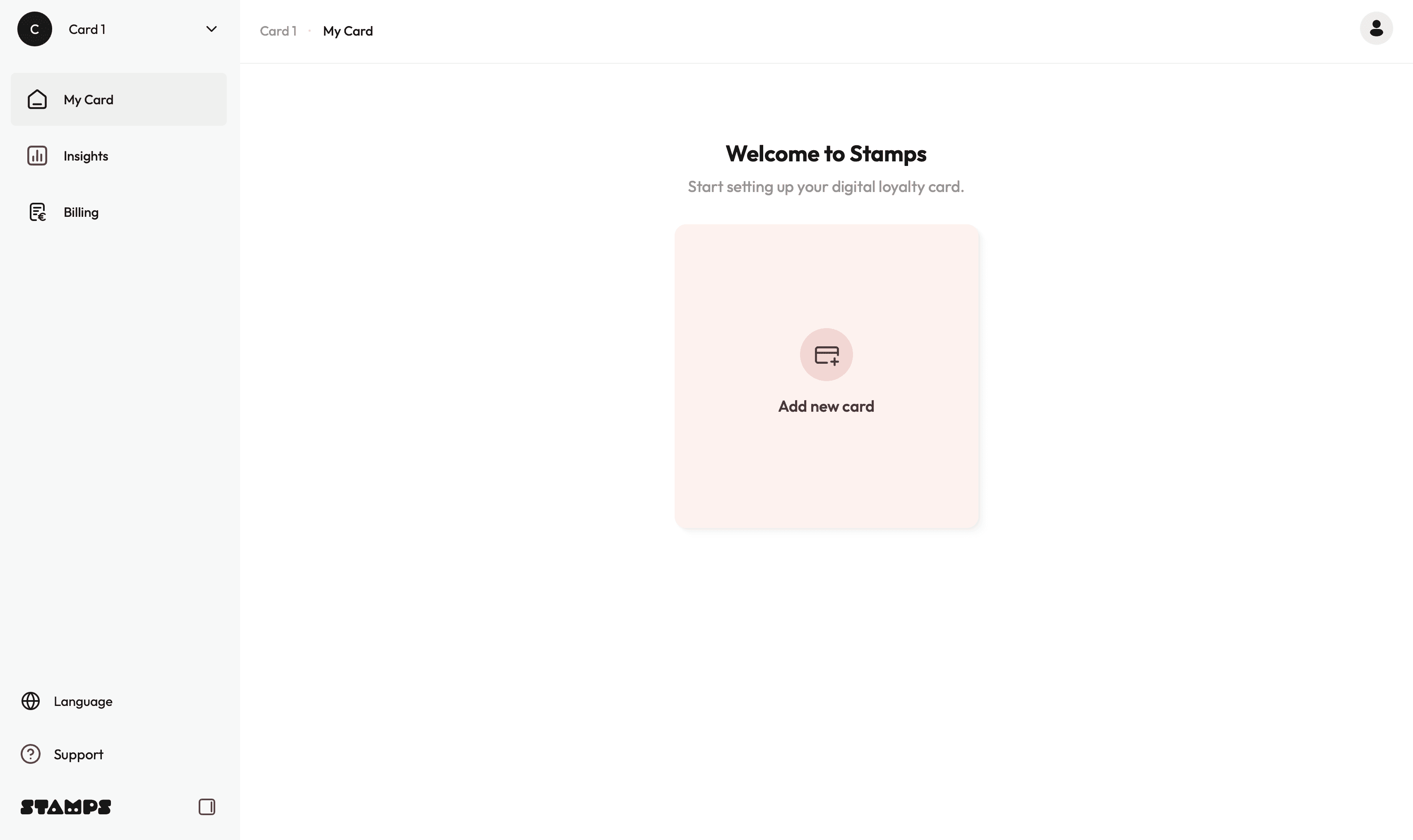
Add new card, Location and Payment details
To get started, you first need to create your loyalty card.
→ Click Add New Card
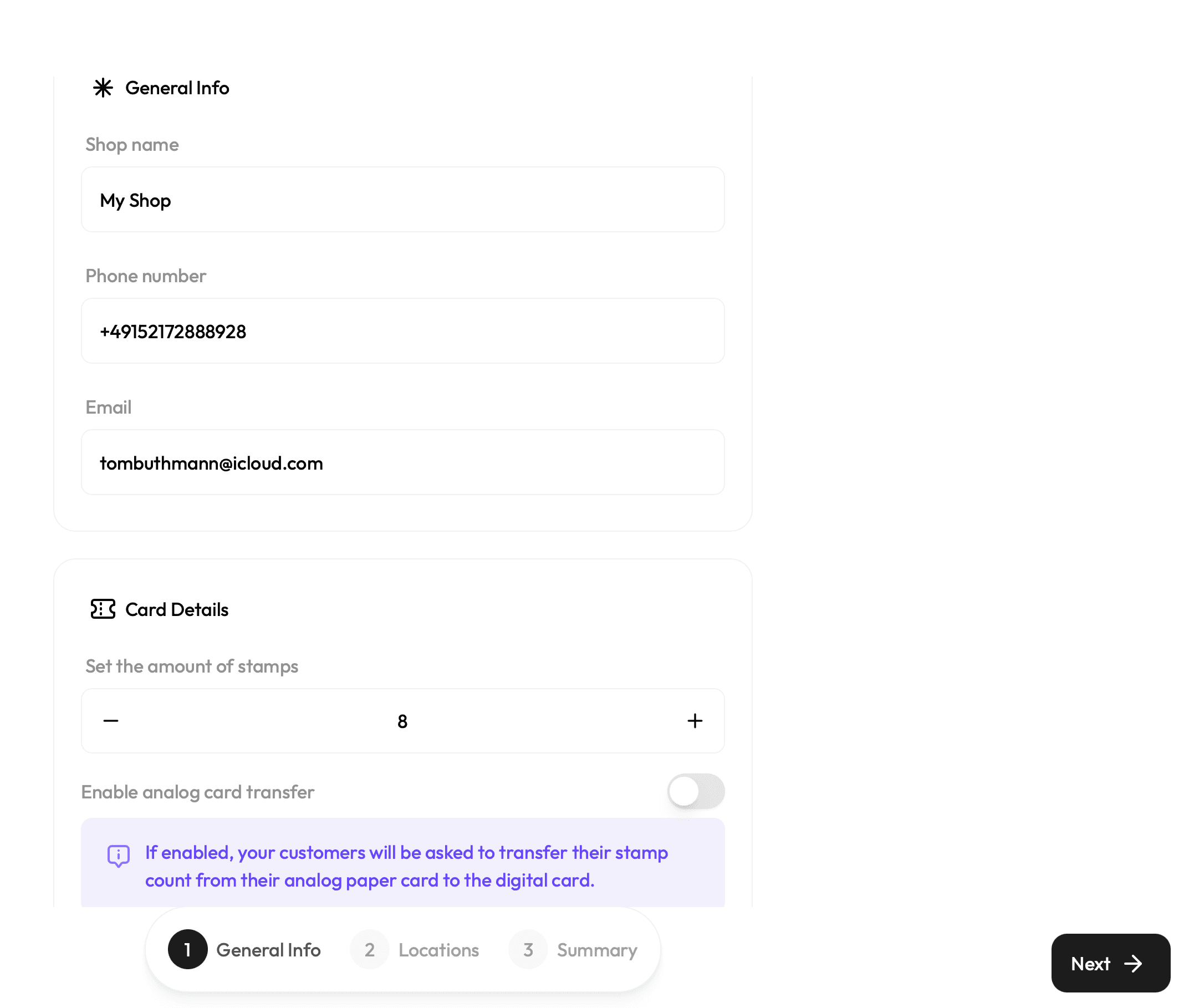
Enter General Info
You will be asked to provide: Shop name, Phone number, Email address (for login).
You will also choose how many stamps are required for a reward (between 1 and 10).
Analog Card Transfer (Optional)
If you previously used paper loyalty cards or another system, you can enable Analog
Transfer. This allows customers to transfer their existing stamp count to the new digital
card, the first time the register with Stamps. This setting can be enabled or disabled at
any time later.
→ Once done, click Next
Add your Location(s)
→ Click Add New Location(s) and enter:
• Shop name
• Shop address
• Number of NFC cards required for the location(s)
• Shipping address (can be different from the shop address)
Fraud Prevention (Optional)
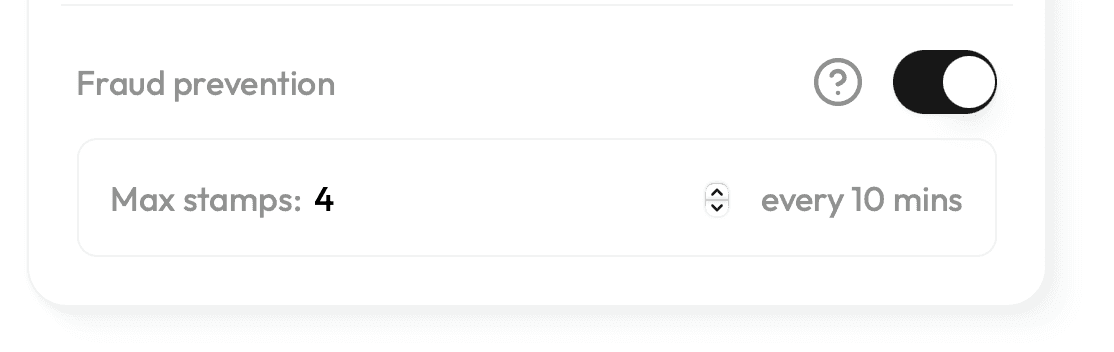
You can also enable our built-in Fraud Prevention* system.
You can also add additional locations here. The subscription price automatically adjusts
based on the number of locations
→ Once done, click Next
*If enabled, the system will limit how many stamps can be collected
within a 10-minute time window. You can define the maximum
number of stamps a customer can collect during that time. You can
activate or deactivate this feature at any time.Choose Your Subscription Plan
select your preferred subscription plan.
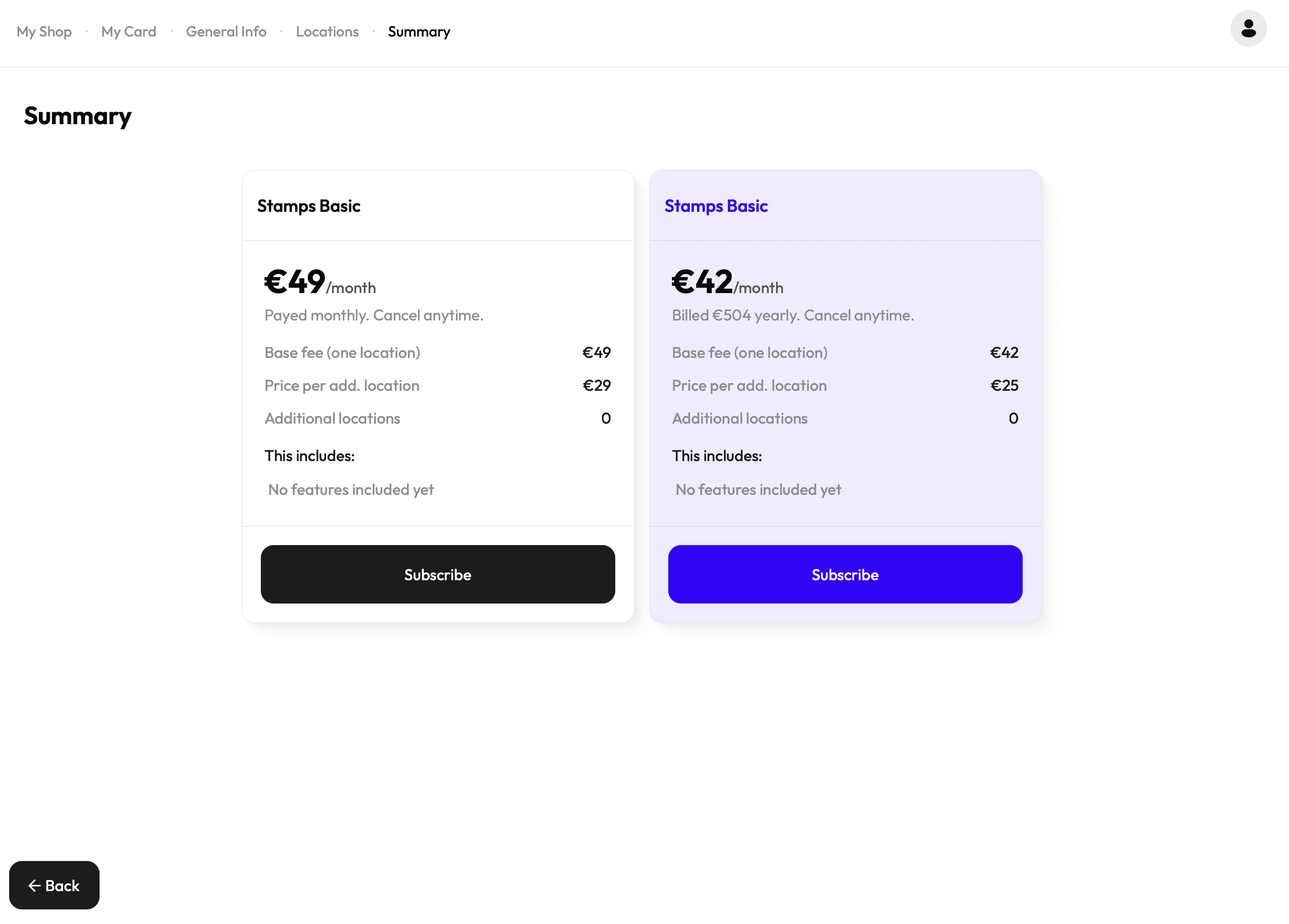
Choose between a Monthly Plan or a Yearly Plan:
Both plans can be cancelled at any time and will end at the conclusion of the current
billing cycle. The Yearly Plan offers a discounted monthly rate compared to the monthly
subscription.
Both subscriptions include full access to all Stamps features, including:
• Digital loyalty cards for Apple & Google Wallet
• Unlimited Cardholder
• Unlimited Scans
• Push notifications to your customers
• Full insights and behavior analytics
• Multi-location management
• Fraud prevention settings
→ Once decided, click Subscribe
Secure Checkout via Stripe
You will be redirected to Stripe, our secure payment provider.
Here you can:
• review your subscription
• enter your payment details
• choose your preferred payment method
Free Trial
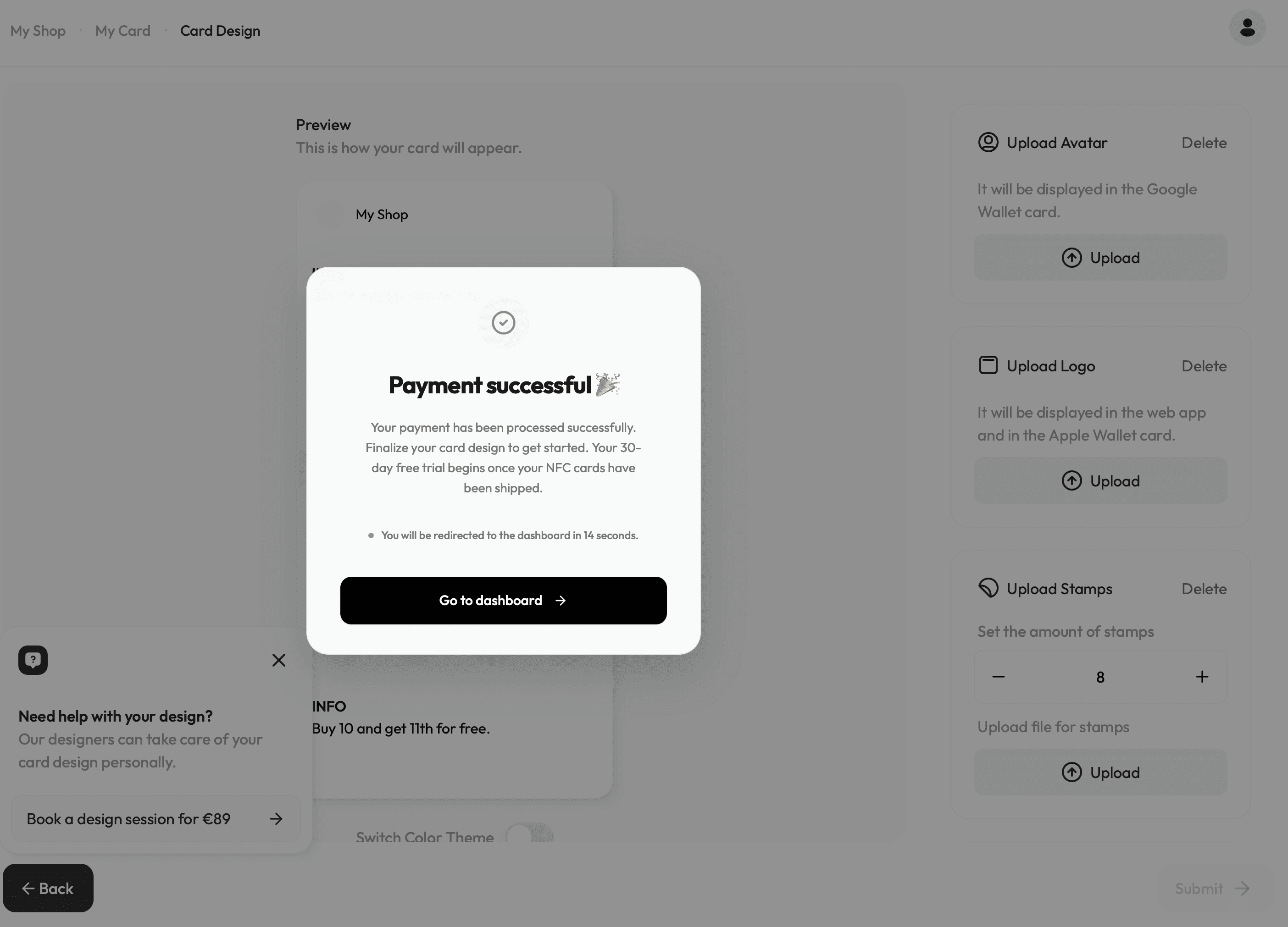
You will receive a 30-day free trial. The trial begins once your NFC cards are shipped.
This allows you to test the system before the subscription starts. You can manage invoices,
payment methods and billing details anytime through Stripe.
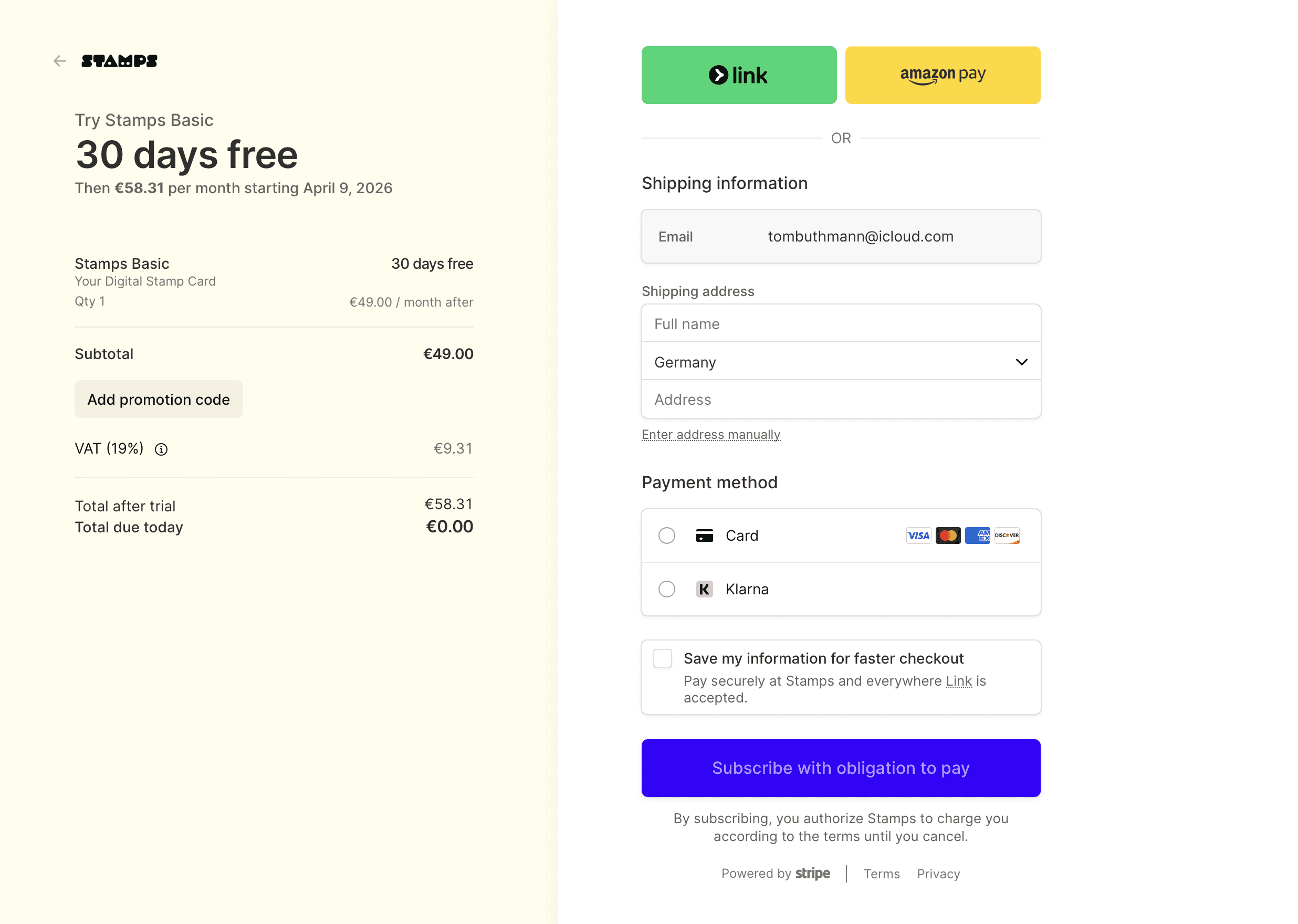
→ Once filled in click Subscribe with obligation to pay and you will automatically be
redirected to the Dashboard.