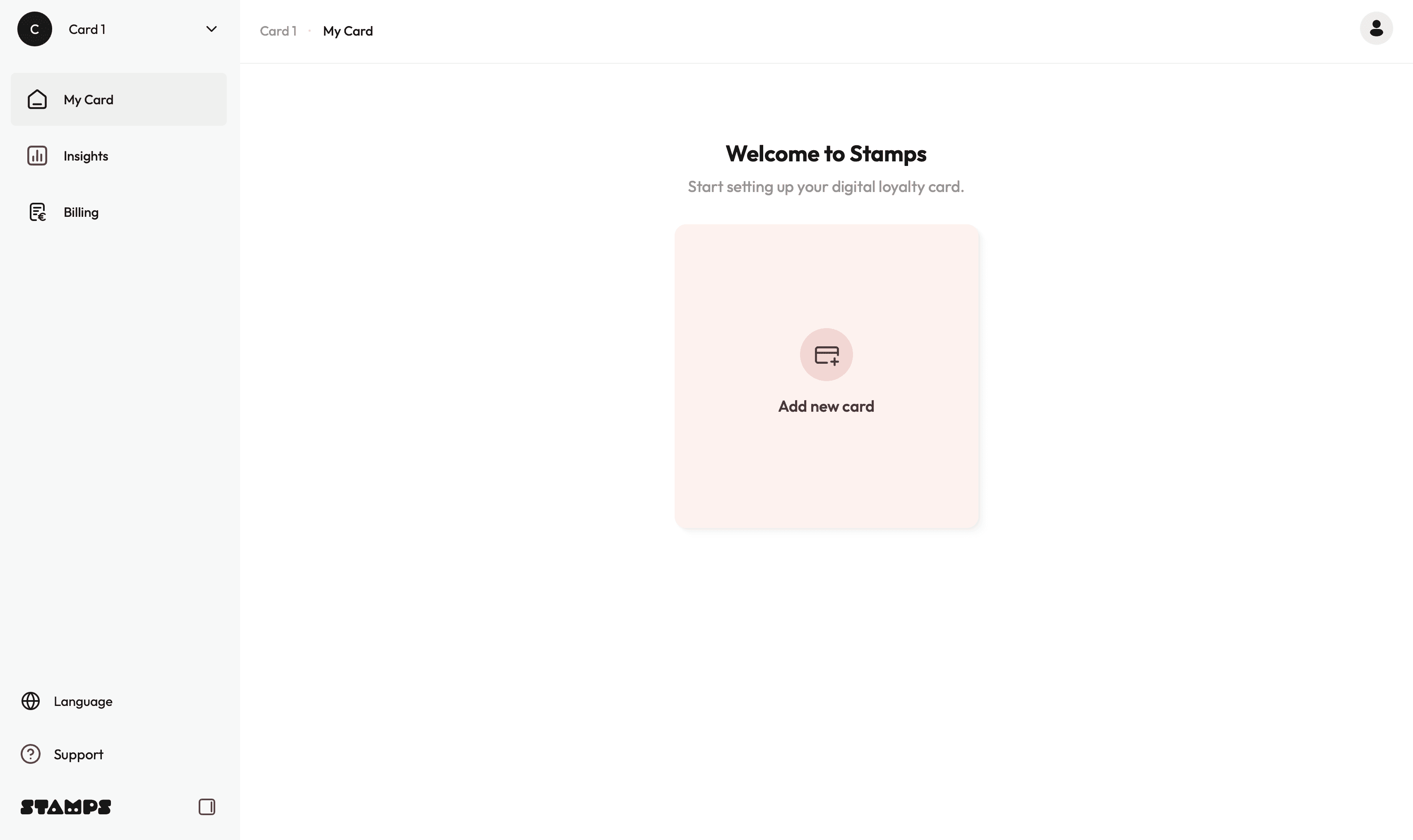
Register and create an account
Enter your name and preferred email address in the sign-up field:
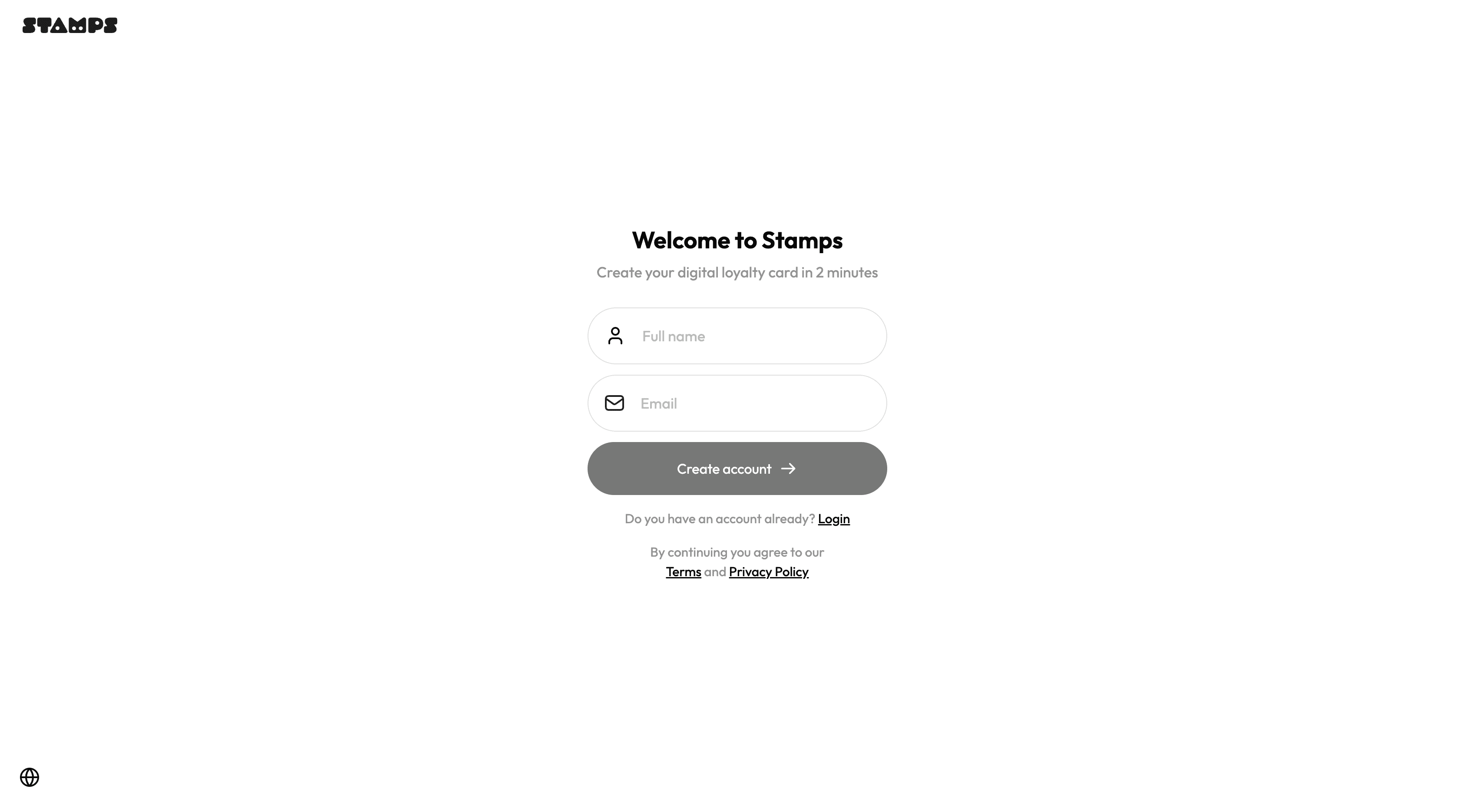
→ Click Create account and you will receive a login code via email. Enter this code to access the dashboard.
Please note:
• The code can sometimes land in your spam folder, so please check there if needed.
• Delivery may take up to 2–3 minutes.Once logged in, you will arrive at your dashboard overview.
The main navigation includes:
• My Card – Manage your loyalty card and locations
• Insights – View customer data and user performance
• Billing – Manage subscription and payment settings